· 1 min read
MiniLesson Community Pages
Community pages for MiniLesson Free Speaking and Free Writing
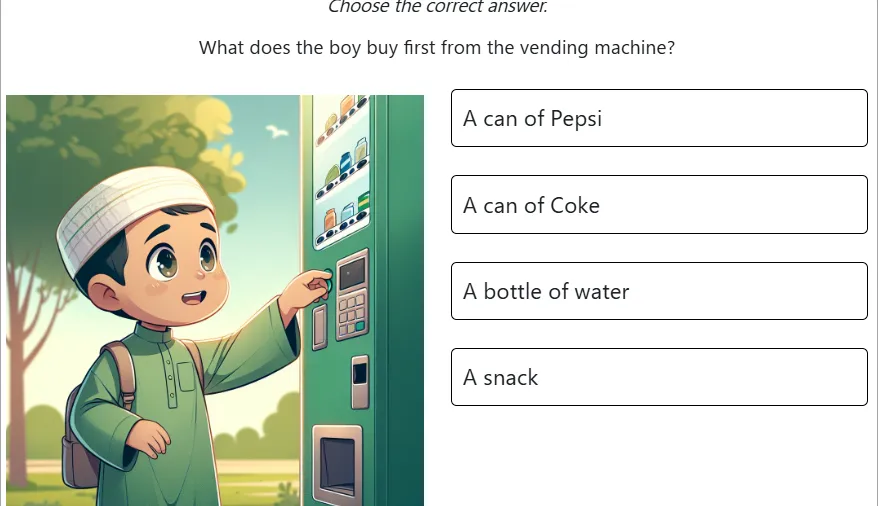
Minilesson is Poodll’s most powerful plugin for creating custom Moodle activities. It supports many different item types, and can be used to create a wide variety of activities. All of the items are automatically graded and this saves teacher time and gives students immediate feedback.
But something is lost in creative activities like free speaking and free writing if no human ever actually listens to, or reads the student’s submission. Teachers of course can review students work, but in addition we have now added a “community page” feature to free speaking and free writing.
If the “community page” feature is enabled, eligible student submissions will be displayed on a community page for other students to view and optionally rate. This adds a social element to the activity and encourages students to create higher quality submissions.
The following screenshots show how it works:
First, enable the community page feature in the free speaking or free writing settings: 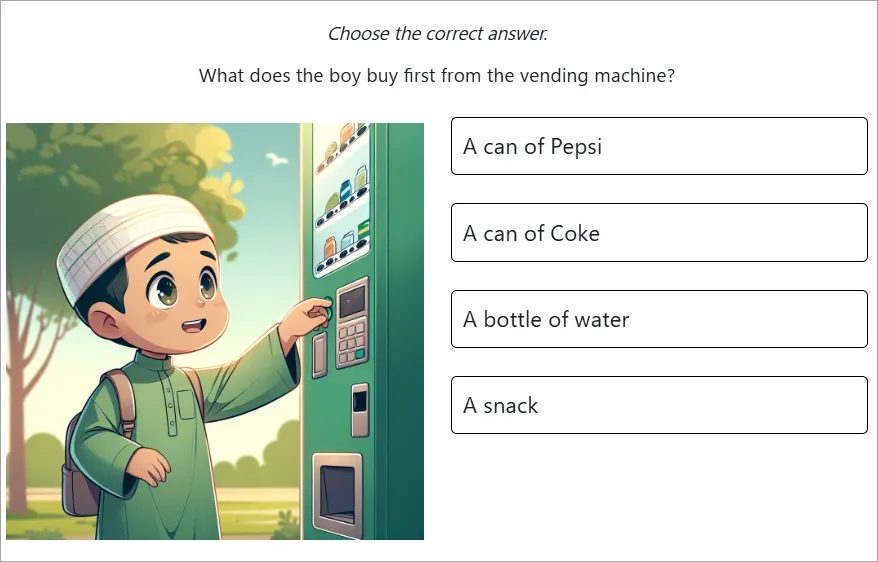
Then, students will see a “Community Page” link in the free speaking or free writing activity: